Your Mining Infrastructure, Under Control
Web-based management interface for your mining infrastructure. Configure Docker containers, manage servers, view logs, and keep everything updated — all from your browser.
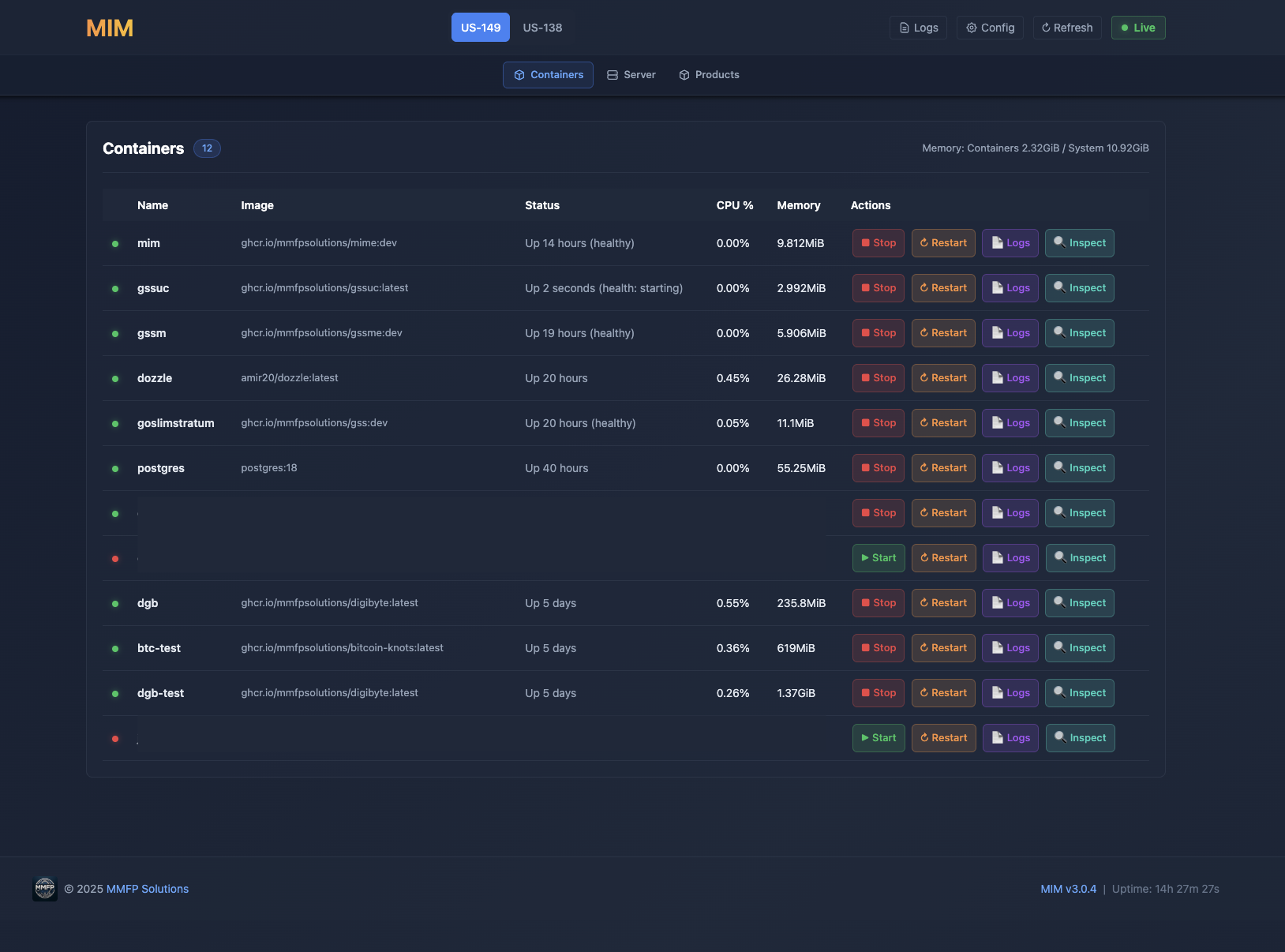
Everything you need to manage your mining infrastructure from a single web interface.
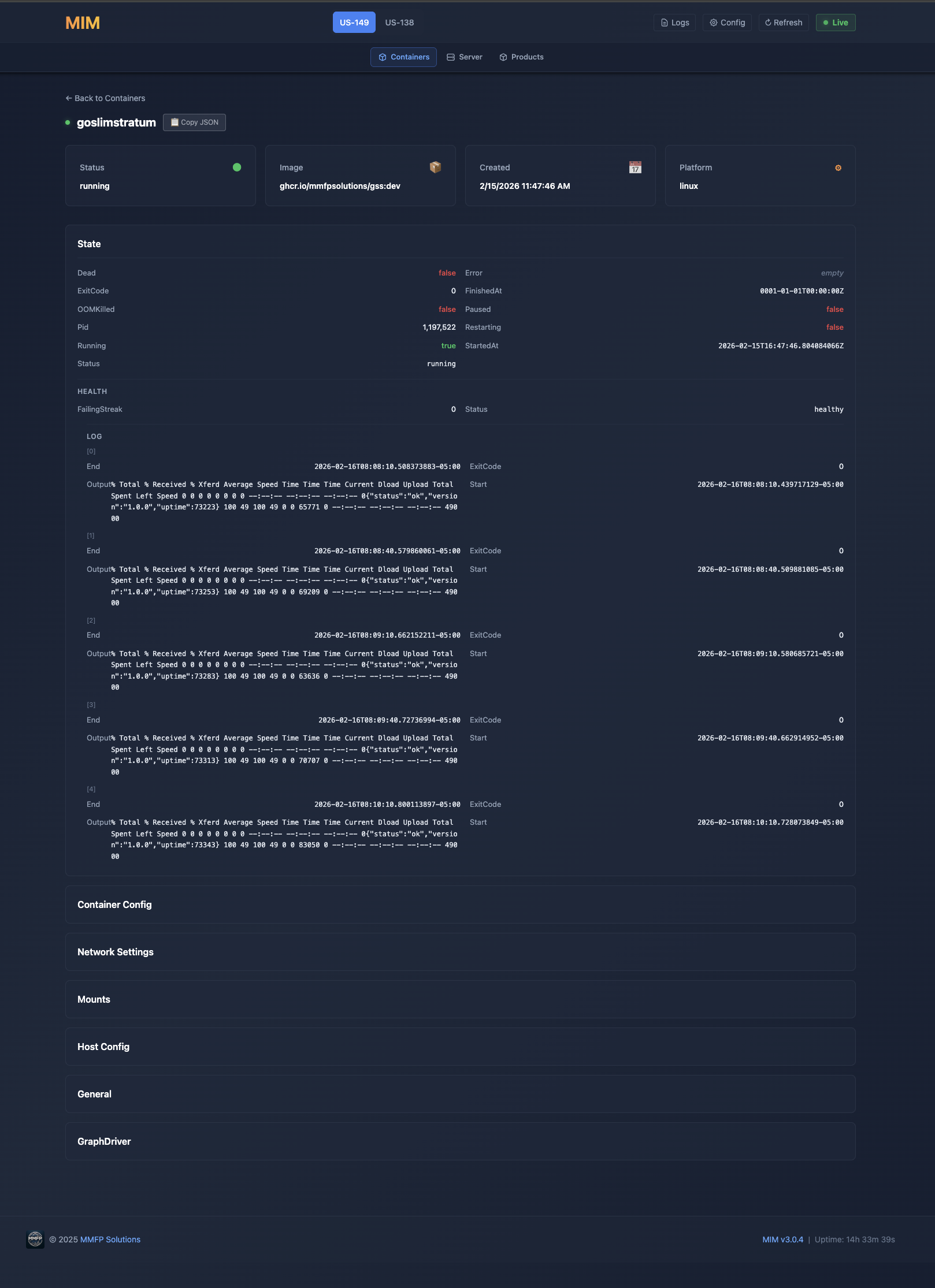
View, start, stop, restart Docker containers. Inspect container details, resource usage, and status.
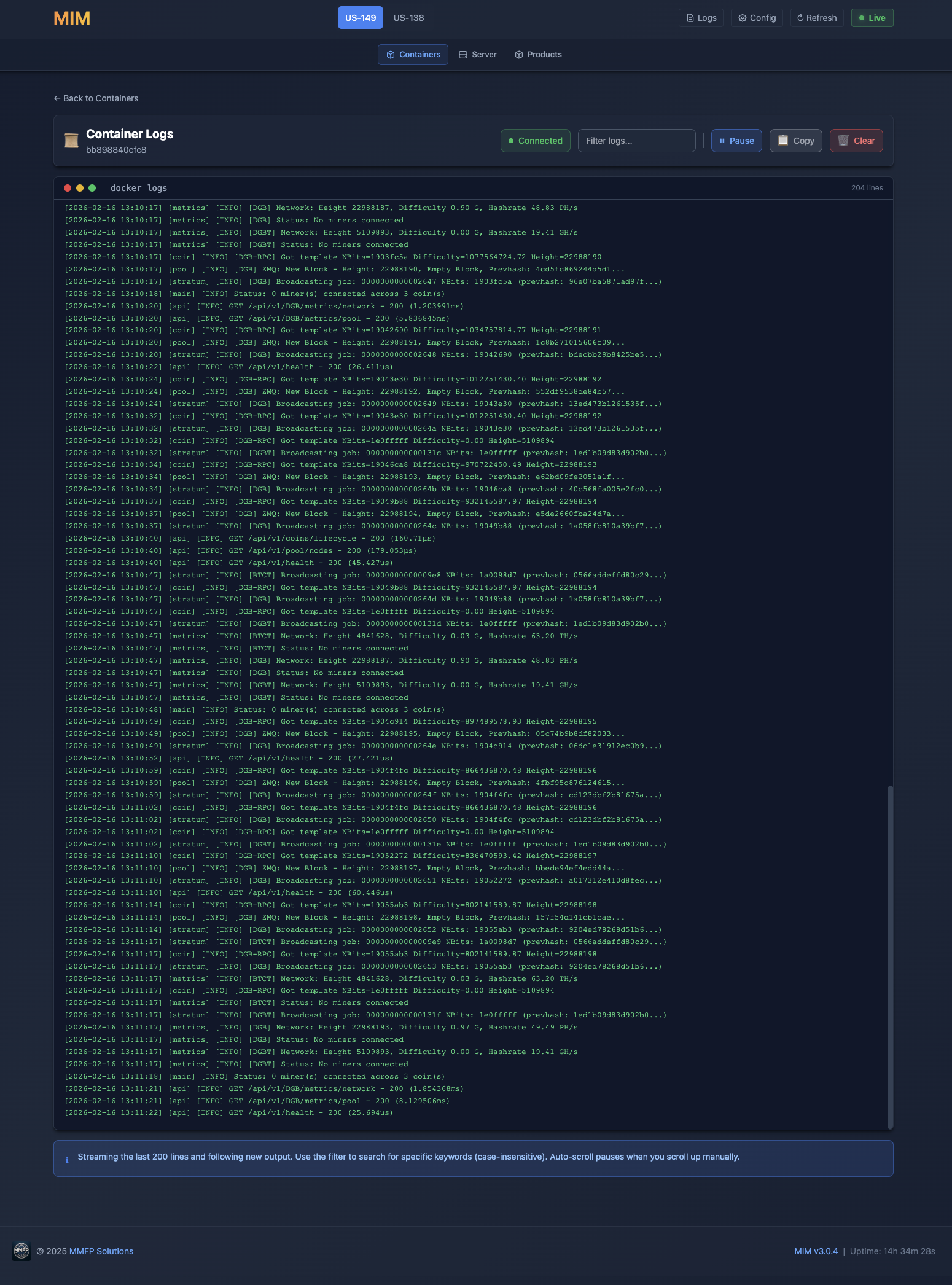
Real-time log streaming for all containers. Filter and search through logs.
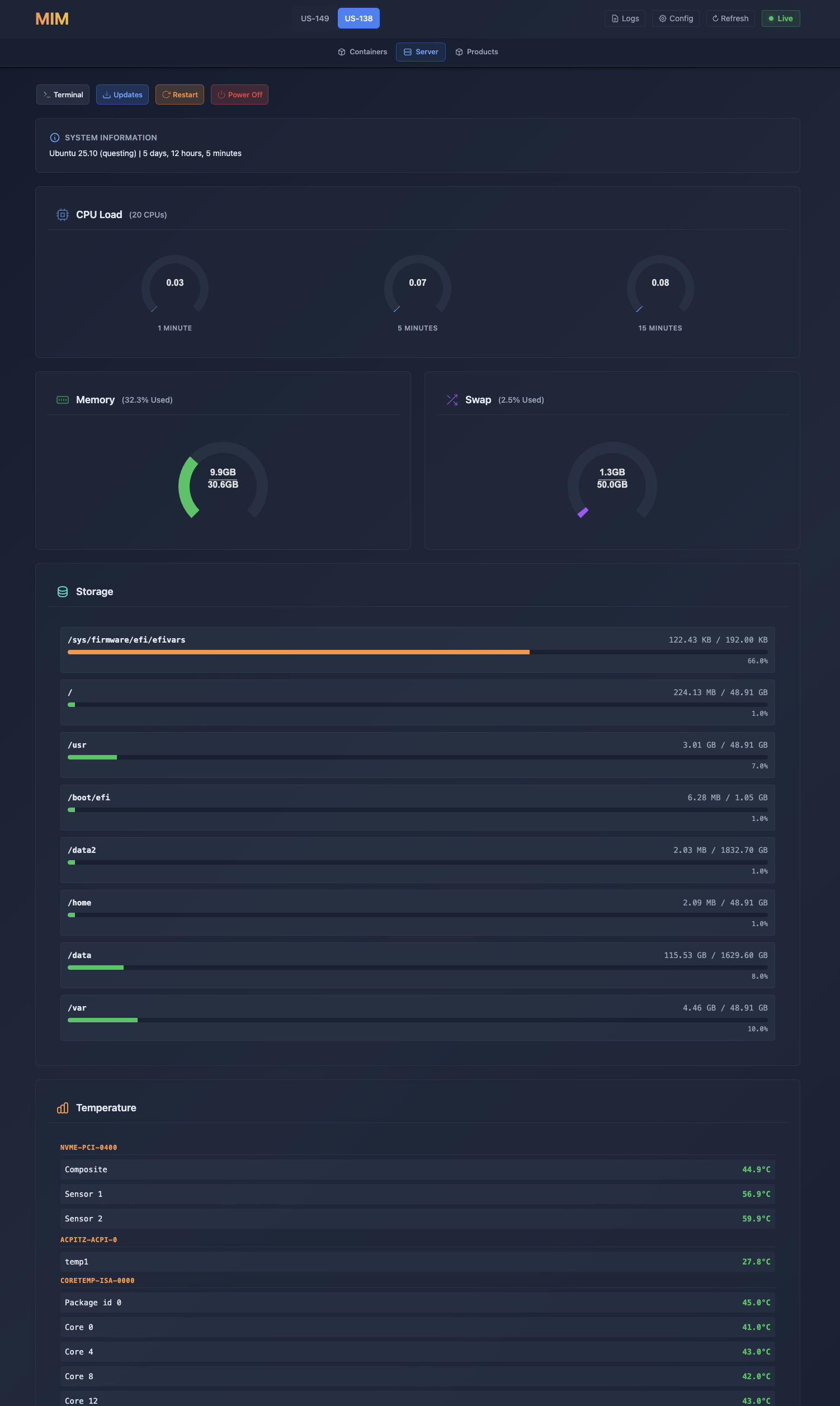
OS and uptime, CPU load, memory and swap, storage per mount, and lm-sensors temperatures. Restart or power off from the browser — MIM shuts your containers down in order first and streams the progress live.
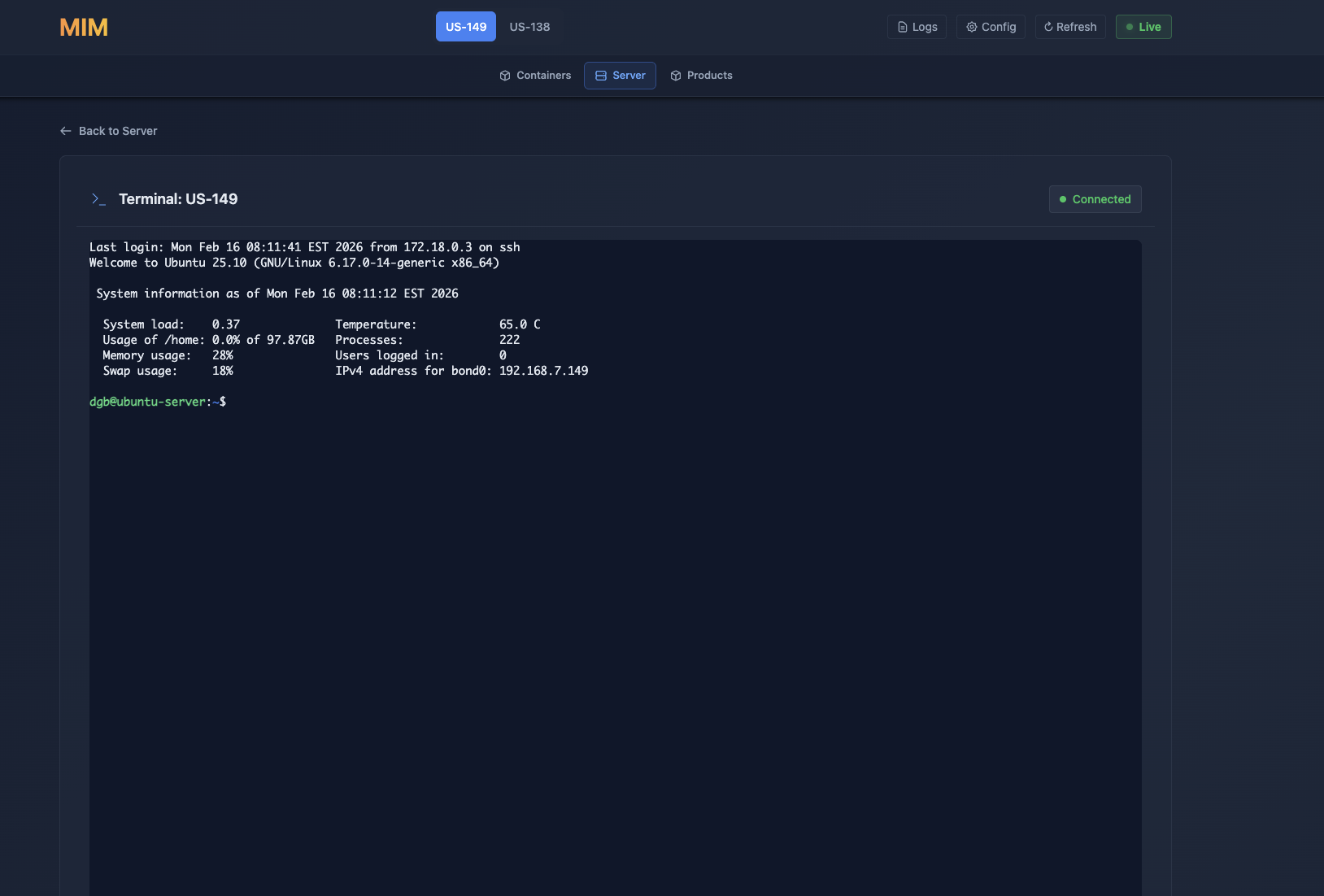
SSH-based web terminal for direct server access. No need to open a separate SSH client.
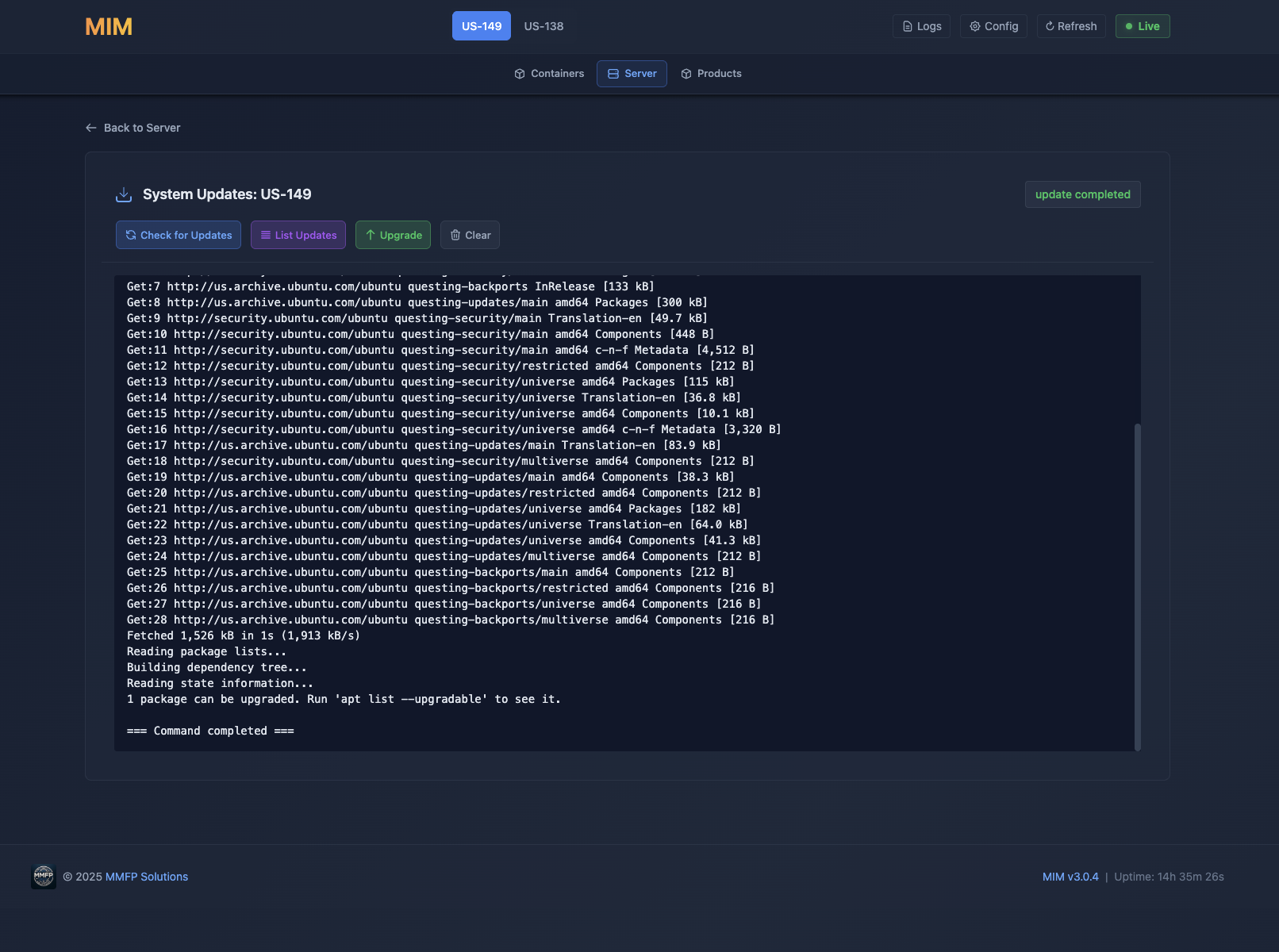
Check for and apply system updates from the web interface. Keep your Ubuntu server up to date.
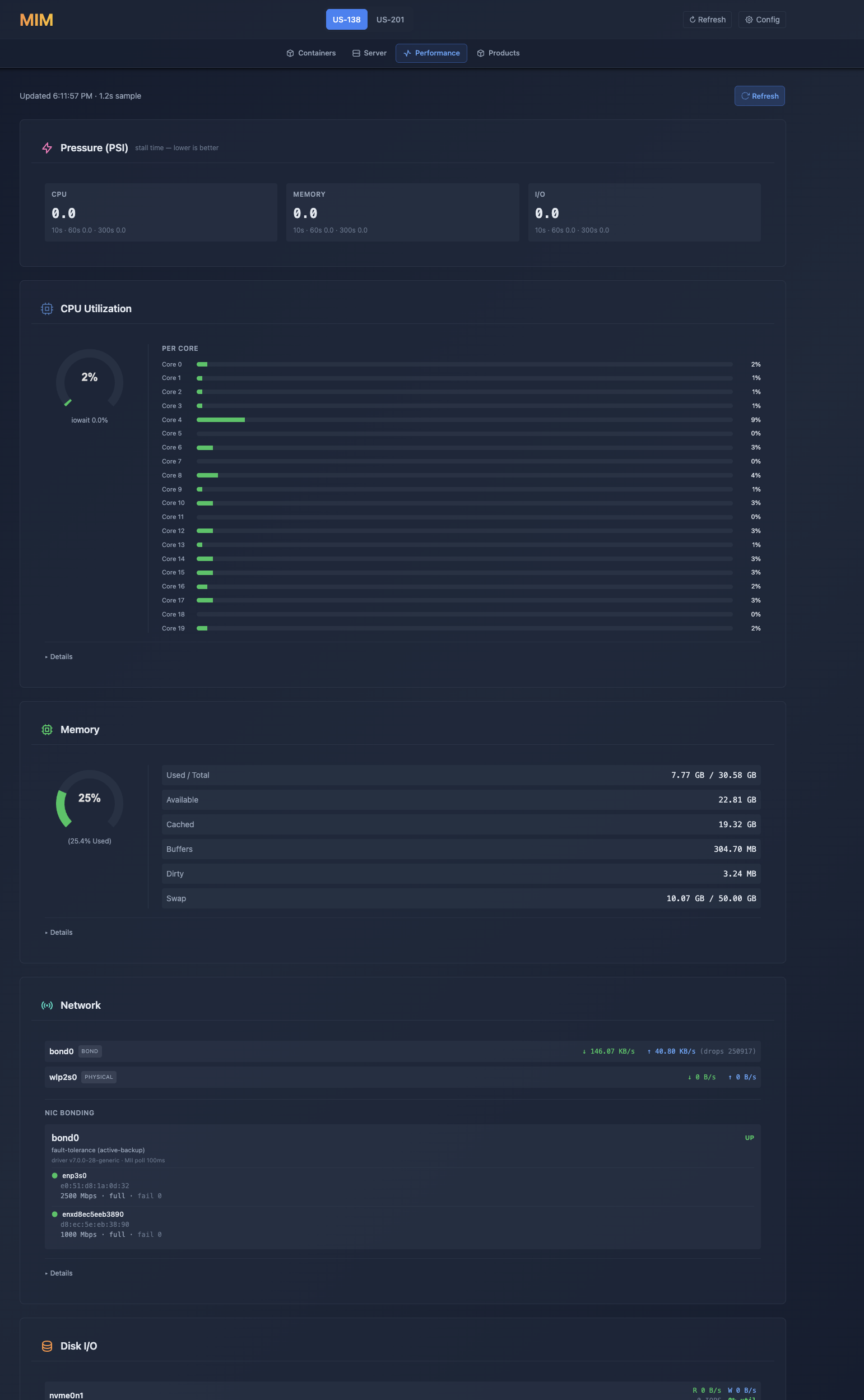
PSI pressure stall metrics, per-core CPU, memory breakdown, NIC bonding status, and disk I/O — the numbers that actually explain a slow box.
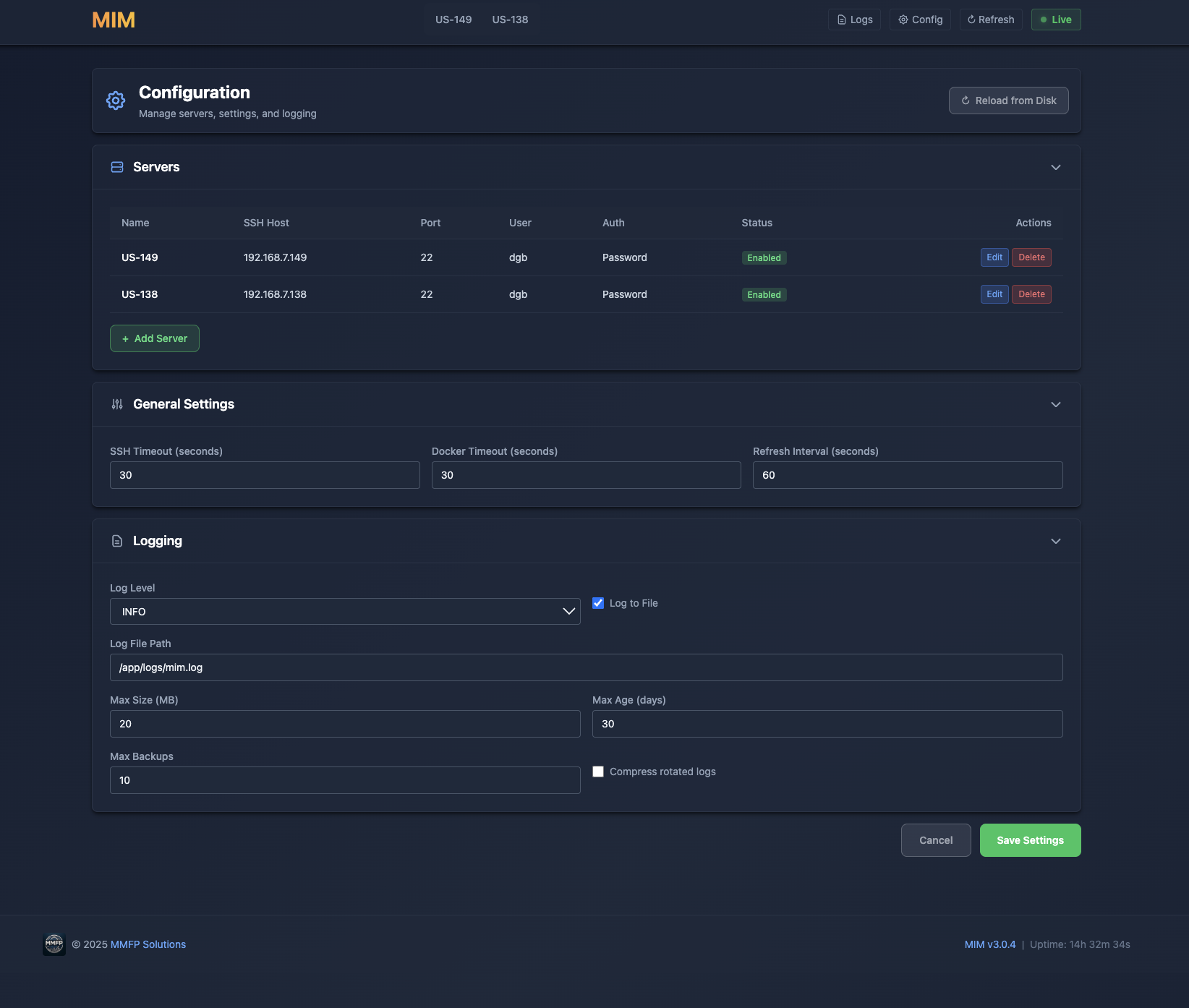
Edit MIM’s own settings — servers and general options — right in the web interface. For the products themselves, pull their live config files down from any server: a single file as-is, several bundled as a ZIP. MIM reads product configs, it never rewrites them.
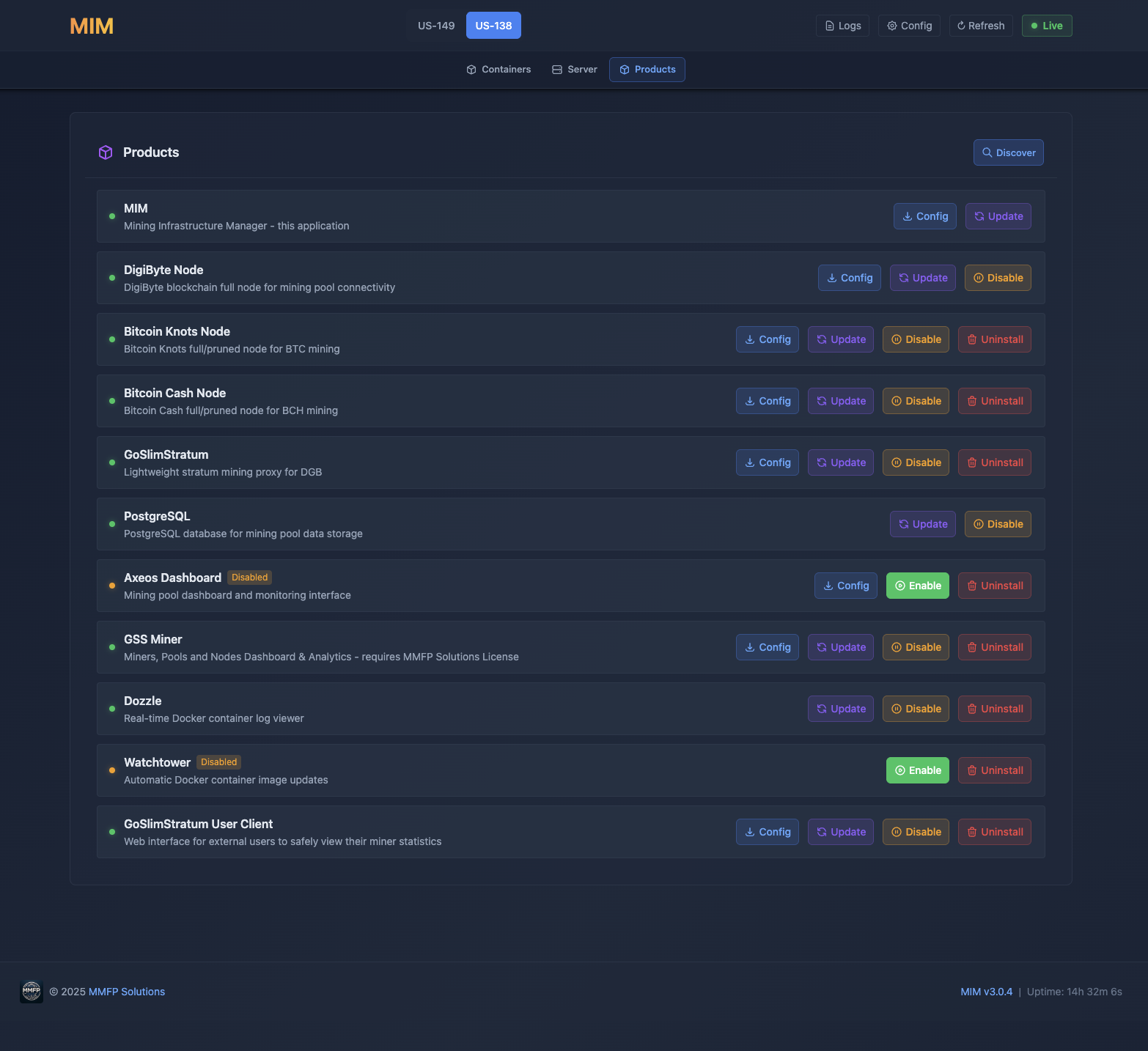
Manage installed MMFP products. View status, versions, and manage deployments.
Manage multiple servers from a single MIM instance via servers.json configuration.
Orchestrate multi-container deployments. MIM manages your docker-compose stack.
See MIM in action. Click any screenshot to enlarge.
Containers
Docker container management dashboard
Container Inspect
Detailed container information
Container Logs
Real-time log streaming
Server Status
CPU load, memory, storage by mount, and hardware sensors
Web Terminal
SSH access from your browser
System Updates
Keep your server up to date
Performance
PSI pressure, per-core CPU, memory, NIC bonding, and disk I/O
Configuration
Edit settings through the web interface
Products
Manage installed MMFP products
Note: MIM is included in the CLI Installer.
View CLI Installer →Common questions about MIM.
Deploy MIM with the CLI Installer and manage your entire mining infrastructure from your browser.